The Basics
Getting Started
Drones are a great hobby, but it can be difficult to know where to get started. The first thing to note is that there are two basic types of drones:
Photo Drones
Think DJI, Parrot, Autel, etc. These drones typically have intelligent flight modes and limit the pitch and roll (no flips). You might have flown one before. As long as you keep your eye on the drone when it's close to obstacles, they are very easy to fly. They typically include a built-in gimbal and fixed camera.
FPV Drones
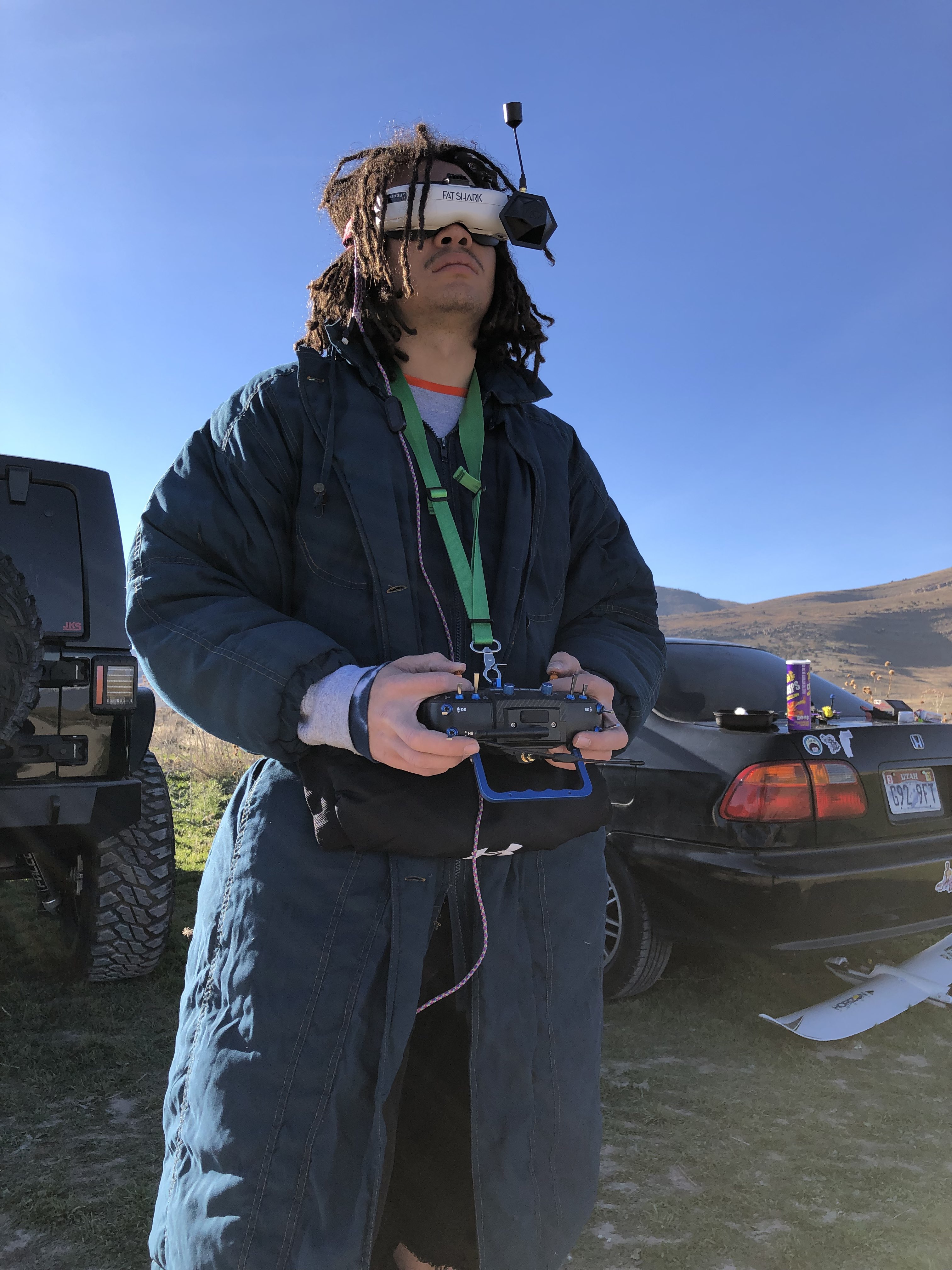
These drones use an FPV camera that feeds into goggles worn by the pilot to give a first-person view. They typically don't have intelligent flight modes and most people fly in 'acro' mode — full control of throttle, roll, pitch, and yaw. Flying like this takes much more practice, but allows a lot more freedom and mobility in the air.
To decide what drone you'll want/need, you need to decide what you want to do. If your sole purpose is occasionally flying (once a month to a few times a year) or photo/video, you'll likely want a photo drone. These are cheap, work out of the box, and you can get warranties for them. They're fairly hard to crash, easy to fly, shoot great video, and come in a range of prices.
If video is not your primary focus, and you prefer to fly for fun or like projects to work on, you'll likely want to go the FPV path. You can shoot great video with FPV too, but it is a lot more work. FPV drones typically don't have gimbals, so you need to make sure your drone is mechanically sound and take further steps to prevent vibration in your videos.
Next Steps
Getting Started with Each Type
Plug & Play
With these drones, you can pretty much go out on your own to an open field and get to it. If you have a friend or relative who owns a drone or has flown, they can help save you a lot of time. Unfold your props, turn on your remote and make sure your phone is connected with the app running, then turn on your drone.
Sim First
With FPV drones, the approach is more involved. I'd recommend checking out the videos linked on this page to make sure it's really for you, as there will be some cost involved. First and foremost, you'll want to buy a remote before anything else, in order to be able to sim (simulate) on your computer.
Learn
Knowledge Resources
Joshua Bardwell
Bardwell can literally teach you everything you need to know about FPV and then some. To say the guy is the father of FPV is an understatement. Also check out FPVKnowitAll.com.
UAVTech
Source for tuning and deeper understandings of PIDs, etc. Another great channel for information and knowledge, though usually highly technical.
Oscar Liang
Great site for when you're not in the video mood. Covers a huge range of info — if you're dealing with something 'out of fashion' there's a good chance Oscar has covered it and still has an article up.
Painless360
A range of informative videos on various RC things. Check him out as well.
Utah FPV Discord
A good place for Utah pilots — ask questions, organize, etc. I'm not a member of this server, but I'd recommend keeping non-FPV and especially political talk to a minimum.
Community
Pilots to Check Out
Shop & Tools